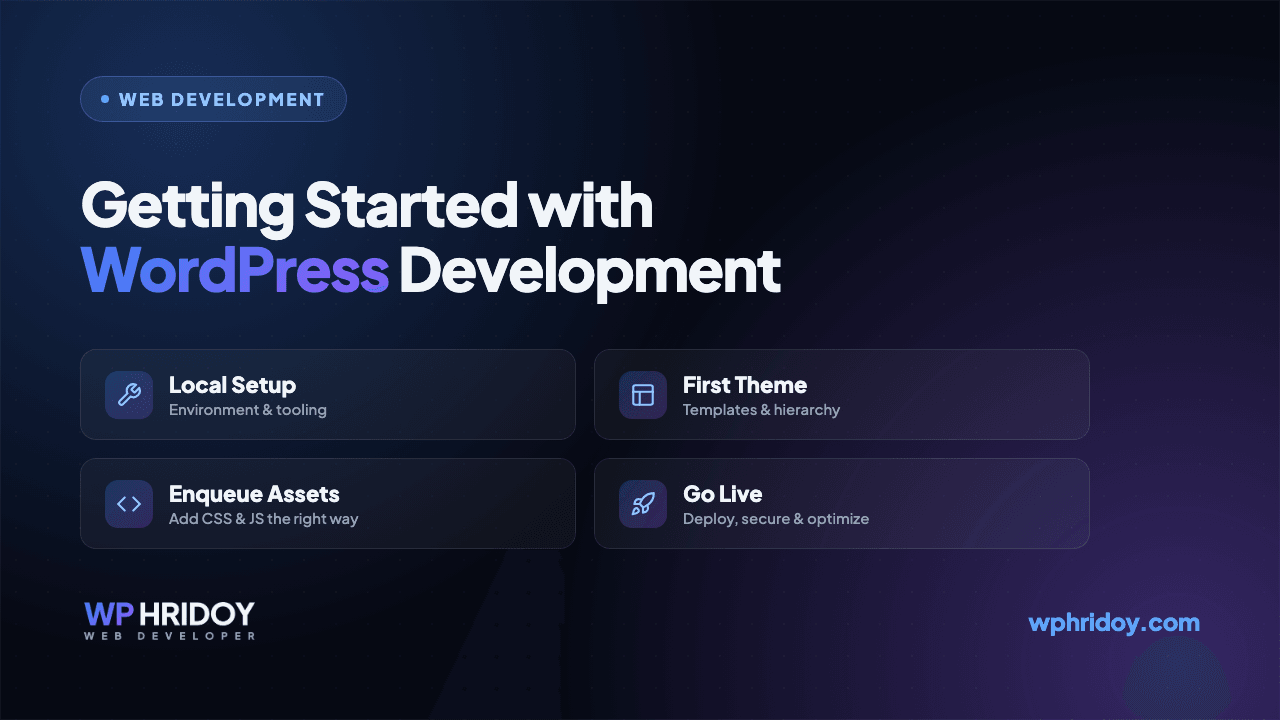
Getting Started with WordPress Development
A practical guide for anyone looking to start building custom WordPress websites — from setting up your environment to your first theme.
On this page
WordPress powers over 40% of the web, which makes it one of the most valuable skills a web developer can have. In this guide, I'll walk you through how to get started with WordPress development.
Setting Up Your Environment
Before writing any code, you need a local development environment. I recommend:
- LocalWP — the easiest way to spin up WordPress locally
- VS Code — with PHP and WordPress extensions
- Git — for version control
Understanding the Structure
A WordPress theme lives in wp-content/themes/. At minimum, a theme needs:
style.css— theme metadata and stylesindex.php— the main templatefunctions.php— where the magic happens
<?php
function my_theme_setup() {
  add_theme_support('post-thumbnails');
  add_theme_support('title-tag');
}
add_action('after_setup_theme', 'my_theme_setup');
The Template Hierarchy
WordPress uses a template hierarchy to decide which file renders a given page. Understanding this is key:
single.phpfor posts,page.phpfor pages,archive.phpfor archives.
Next Steps
Once you're comfortable with themes, explore:
- Custom post types for structured content
- WooCommerce for e-commerce
- The REST API for headless setups
WordPress development opened countless doors for me over my 6+ year career. Start small, build often, and you'll be amazed how far it takes you.
Have a project in mind?
Just tell me what you need, and I will tell you honestly what it takes — how long, how much, and whether I am the right person for it.
This is my full-time profession, not a side job. After completing your project, I will not disappear. You will get lifetime support. I will even join Zoom or Google Meet calls with you to help fix any problems, if needed. Hope you will be happy with the work, InshaAllah.
More on WordPress
View all articles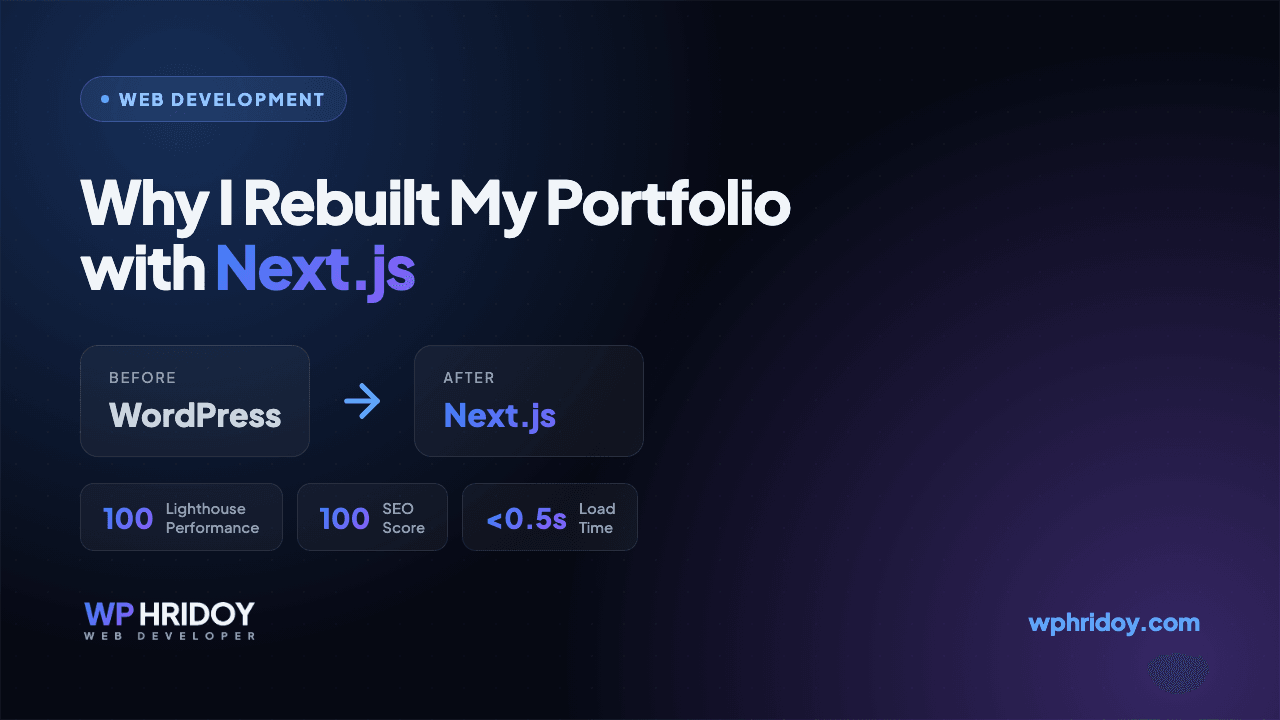
Why I Rebuilt My Portfolio with Next.js
I am Wp Hridoy. My own portfolio was on WordPress. Here's why I rebuilt it with Next.js, and what I got out of it.
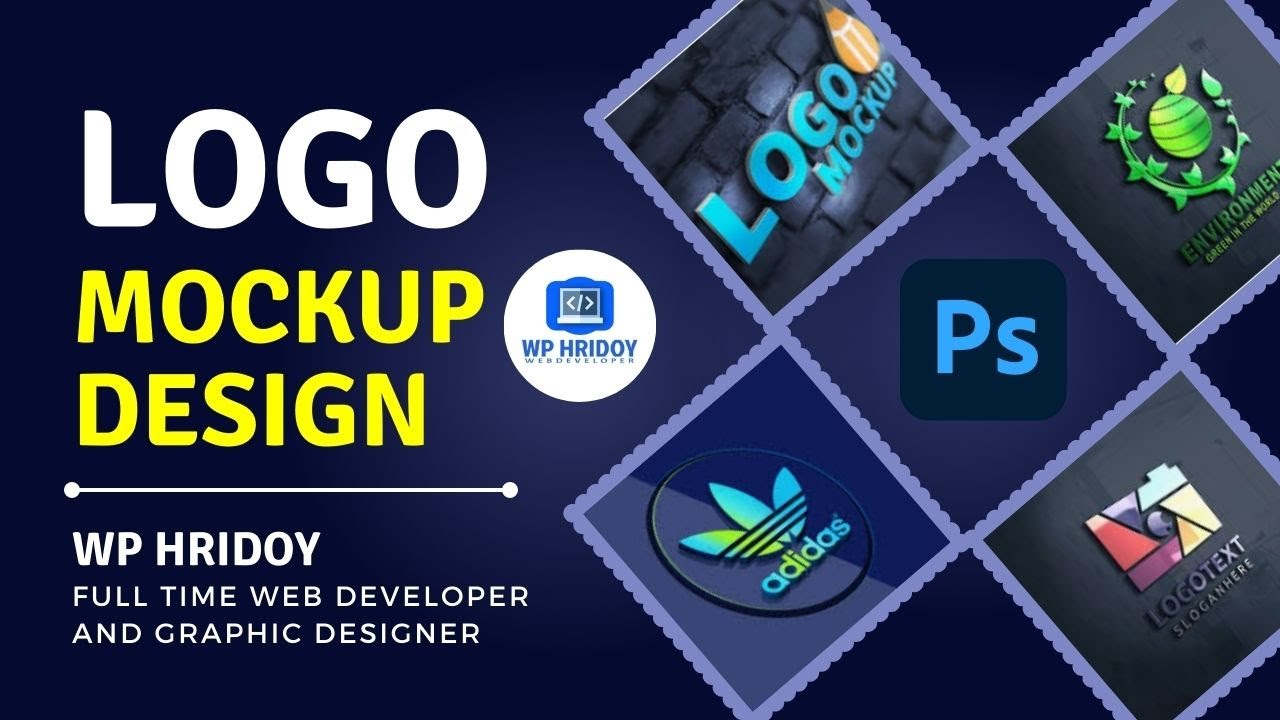
How to Design a 3D Logo Mockup in Photoshop CC (Free PSD Download)
A beginner-friendly guide to creating a professional 3D logo mockup in Adobe Photoshop CC — Wp Hridoy Logo Mockup Free Download || 3D Logo Mockup Design tutorial Photoshop CC
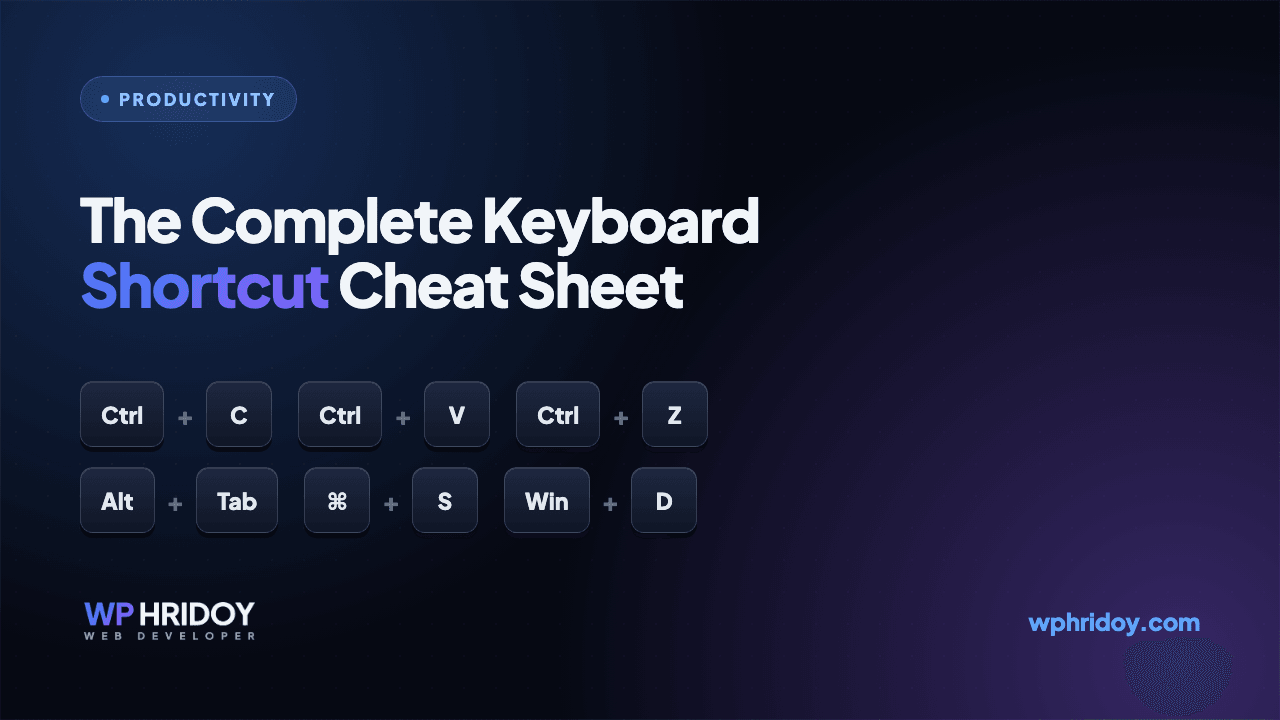
The Complete Computer Keyboard Shortcut List (Windows, Word, Excel, Chrome & Tally)
A handy, categorized cheat sheet of the most useful keyboard shortcuts for Windows, Microsoft Word, Excel, Google Chrome, and Tally — learn a few and work noticeably faster.