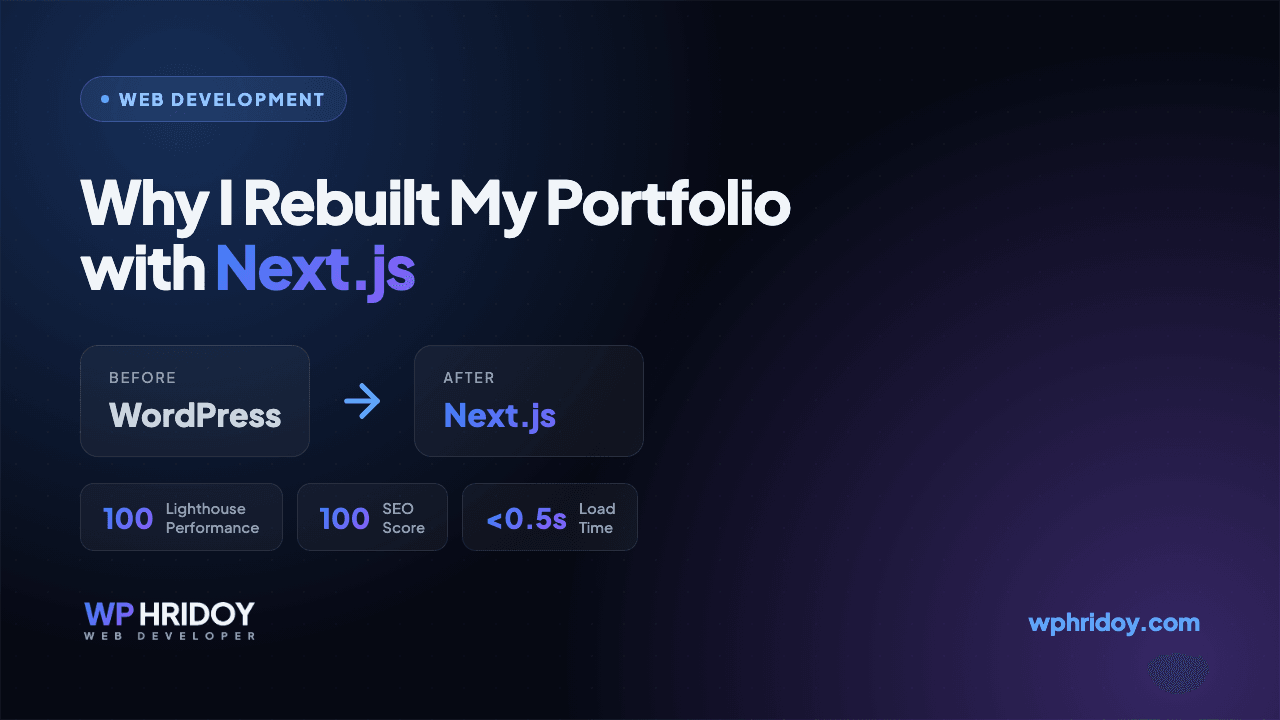
Why I Rebuilt My Portfolio with Next.js
I am Wp Hridoy. My own portfolio was on WordPress. Here's why I rebuilt it with Next.js, and what I got out of it.
On this page
Hi, this is Wp Hridoy. I'm a Full-Stack Web Developer and WordPress Expert from Bangladesh with 6+ years of experience, and a Top Rated Plus freelancer on Upwork.
I build most of my client sites with WordPress, Elementor and WooCommerce. My own portfolio was on WordPress too, since the first day I put it online. It worked fine. But I kept opening my site and thinking, this should be faster than this.
So I rebuilt the whole thing with Next.js. Here is why, and what I got out of it.
What Was Wrong With My Old Site
Nothing was broken. It was just heavy for what it is:
- Every page was loading plugin CSS and JS that I was not using
- On mobile data the homepage took around 3 to 4 seconds
- For a small design change I had to fight the theme instead of just writing the code
- Plugin and PHP updates every other week, on a site with around ten pages
For a client site or a store, that is a fair trade. The client gets a dashboard and can update everything himself. But my portfolio is only mine. I am the only one who edits it. So I was paying that cost for nothing.
Why I Chose Next.js
I already work with React on my MERN projects, so Next.js was the easy choice for me. Four things made the decision:
- Static pages — the pages are built before anyone visits, so the server just sends ready HTML
- Server Components — most of the site sends almost no JavaScript to the browser
- Image optimization — WebP, correct size and lazy loading, without any plugin
- Metadata API — title, description, Open Graph and sitemap all in the code, no SEO plugin needed
Now the site loads in under a second and scores 100 on Lighthouse for performance and SEO.
That speed is not only for looks. Core Web Vitals is a ranking factor, and a fast site keeps people on the page. This is the same thing I do for clients, so it made sense to do it properly on my own site first.
What I Used
- Next.js with the App Router
- Tailwind CSS for the design
- Framer Motion for the animations
- MDX for this blog
export default function Home() {
  return <Hero />;
}
The blog posts are just files inside the project. I write the post, push it to GitHub, and Vercel puts it live in about a minute. No login, no editor, no update notice waiting for me.
So Am I Leaving WordPress? No
WordPress is still what I build for most of my clients, and I still take that work every week. If you need to add products, write posts or run a shop yourself, a dashboard is much better for you than pushing code to GitHub. Nobody should learn Git just to change a phone number on their website.
My portfolio was a different case. A few pages, one person editing it, and speed and SEO matter the most. For that, Next.js was the right tool.
What I Would Tell You
Do not rebuild your site just because a new framework is popular. First look at who will edit the site, and how often.
- Client updates the content himself, or it is a shop → stay on WordPress
- Only you edit it, and the pages rarely change → a Next.js build will be faster and cheaper to maintain
I do both, so I have no reason to push you to one side.
If you are confused about which one fits your project, just knock me on WhatsApp or send me a message from the contact page and tell me what you are building. InshaAllah I will give you an honest answer, even if the answer is the one I would not build.
Have a project in mind?
Just tell me what you need, and I will tell you honestly what it takes — how long, how much, and whether I am the right person for it.
This is my full-time profession, not a side job. After completing your project, I will not disappear. You will get lifetime support. I will even join Zoom or Google Meet calls with you to help fix any problems, if needed. Hope you will be happy with the work, InshaAllah.
More on Next.js
View all articles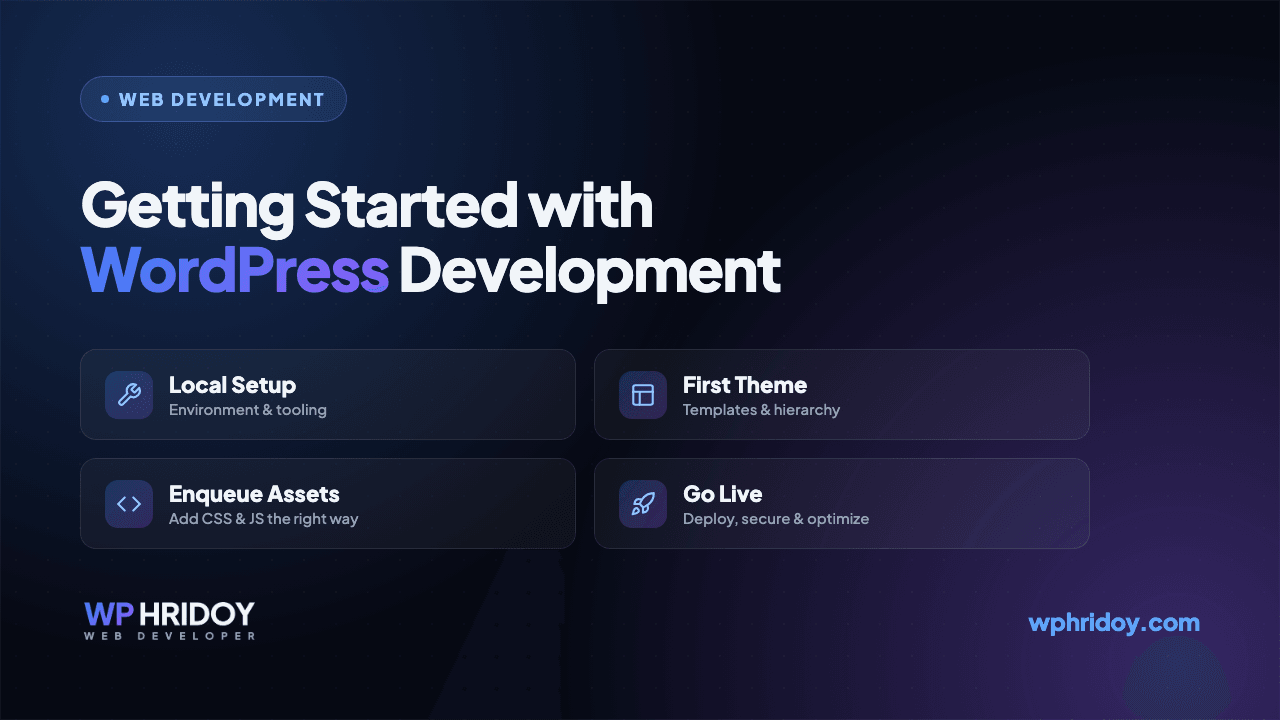
Getting Started with WordPress Development
A practical guide for anyone looking to start building custom WordPress websites — from setting up your environment to your first theme.
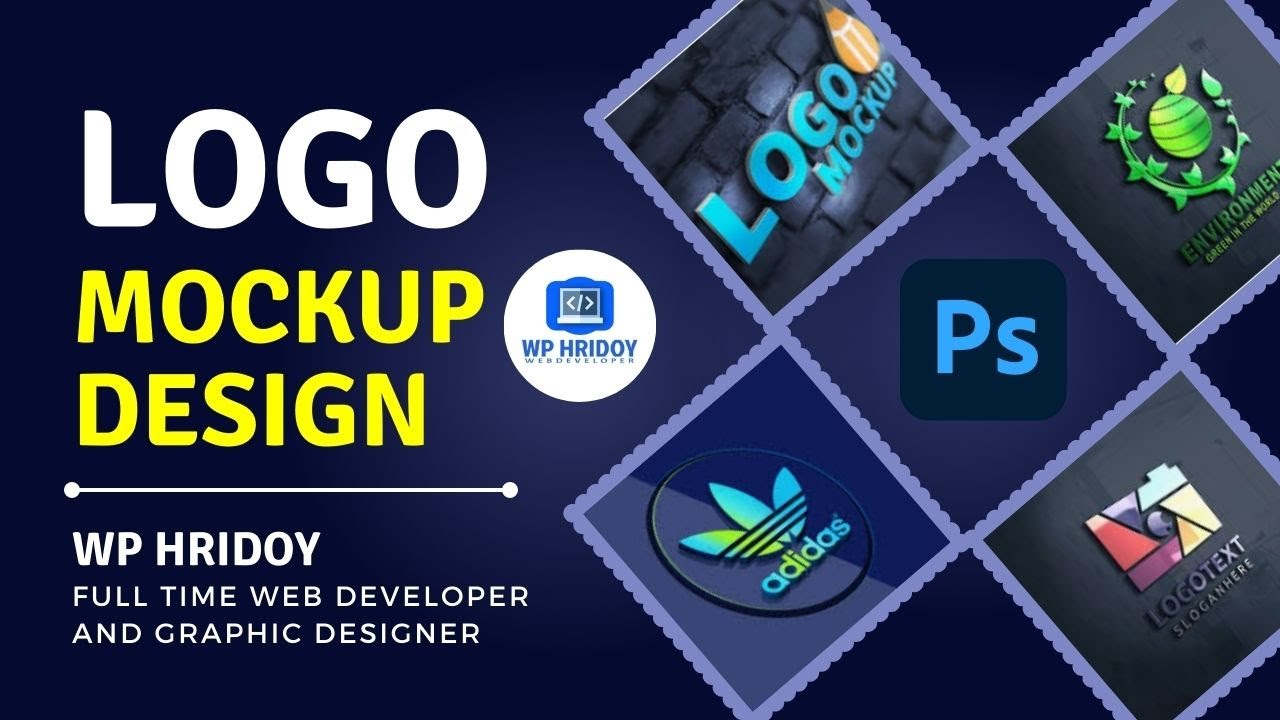
How to Design a 3D Logo Mockup in Photoshop CC (Free PSD Download)
A beginner-friendly guide to creating a professional 3D logo mockup in Adobe Photoshop CC — Wp Hridoy Logo Mockup Free Download || 3D Logo Mockup Design tutorial Photoshop CC
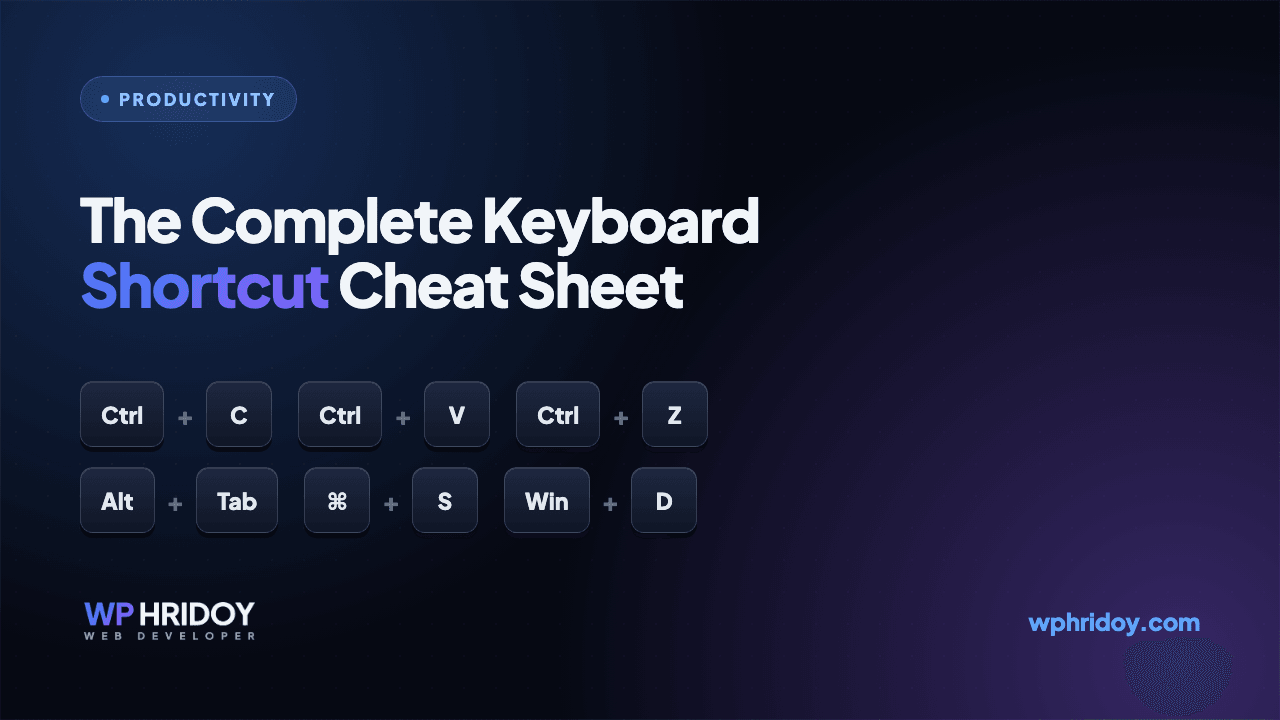
The Complete Computer Keyboard Shortcut List (Windows, Word, Excel, Chrome & Tally)
A handy, categorized cheat sheet of the most useful keyboard shortcuts for Windows, Microsoft Word, Excel, Google Chrome, and Tally — learn a few and work noticeably faster.